

There are two ways a cloud security tool can quietly fail you, and neither of them shows up as a broken feature. The first: it runs up your cloud bill through the way it ingests events. The second: it delivers rich alerting on one cloud and thin, delayed alerting on another. Both are common, both are avoidable, and both come down to architecture rather than marketing.
This post is about those two failure modes — where they come from, how to spot them, and what to ask of any tool before it is wired into your production accounts.
Failure Mode 1: The Security Tool That Inflates Your Cloud Bill
Cloud security tools have to consume events to do their job — control-plane logs, storage access events, activity streams. The mechanics of how they consume those events can have real cost consequences, and those consequences do not appear on the security vendor’s invoice. They appear on your cloud bill.
A concrete pattern teams run into: a monitoring integration that, in the course of subscribing to or reading events, triggers billable operations on the resources it watches. For example, an integration wired through an event bus that ends up generating a high volume of storage operations against the very buckets it is monitoring. The security dashboard looks fine. The alerts arrive. But a few weeks later, someone in the platform team notices the storage bill for those buckets has jumped — sometimes by thousands of dollars a month — and traces it back to the security tool’s event plumbing.
The insidious part is the disconnect. The team that owns the security tool sees a working product. The team that owns the cloud bill sees an unexplained cost spike. Unless someone connects the two, the tool keeps running and the meter keeps ticking.
What to check before you wire in a security tool
- Understand the event-ingestion path. Does the tool read logs from storage you already pay for, subscribe to a stream, or generate new operations against your resources? Each has a different cost profile.
- Watch for operations against monitored resources. A monitoring tool that writes to or heavily reads the resources it watches can create cost that scales with your data, not your usage.
- Attribute cost early. Tag or isolate the resources a new security tool touches so a cost change is traceable to the tool, not discovered three invoices later.
- Prefer agentless, log-based ingestion where possible. Reading existing control-plane logs is generally cheaper and lower-blast-radius than architectures that generate new billable events. This is a big part of why agentless onboarding matters, and why consolidating overlapping tools — as in going from tool sprawl to a single dashboard for cloud security — often cuts both cost and noise at once.
Cloudanix’s CSPM is designed to be agentless and to capture control-plane activity (for example, CloudTrail on AWS) without requiring you to stand up cost-amplifying plumbing against your own resources. The principle worth holding any vendor to: a security tool should read your cloud, not run up its bill.
Failure Mode 2: Great Alerts on One Cloud, Thin Alerts on Another
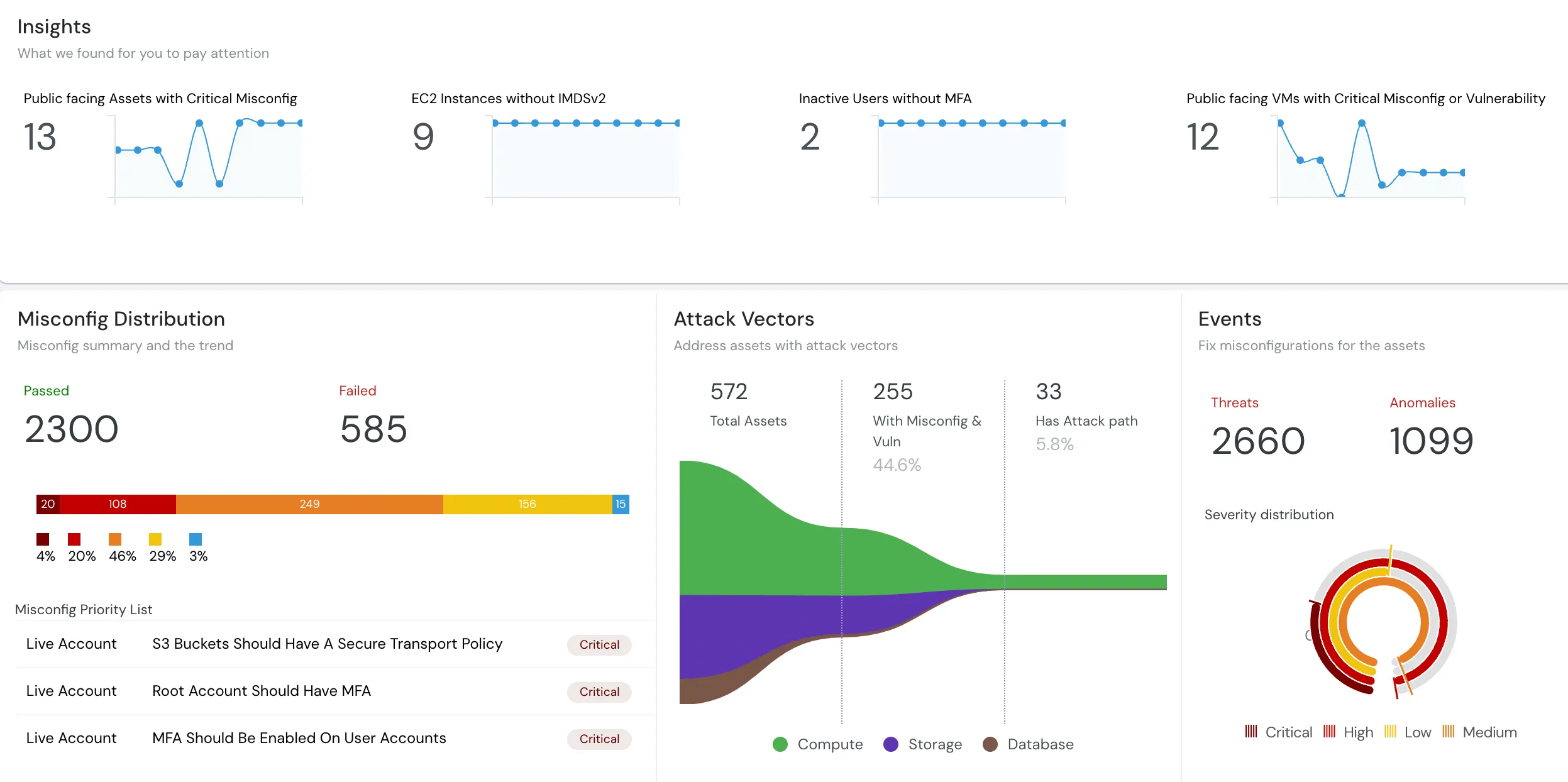
The second failure mode is subtler because, again, nothing looks broken. A team enables a security tool across AWS, Azure, and GCP. On AWS, alerts are timely and plentiful. On Azure — where the team may have a significant, multi-region presence — alerts arrive delayed and sparse, even after every relevant event source has been switched on. The dashboard has a green checkmark next to Azure. The data behind it is thin.
This is the multi-cloud parity problem, and it is one of the most under-examined issues in cloud security tooling. Many tools were architected AWS-first and extended to Azure and GCP later. The extension often covers the checkbox — “yes, we support Azure” — without matching the depth, latency, and event coverage the tool delivers on its home cloud. For a team whose Azure footprint is not a rounding error, that gap is a real blind spot: the cloud you assumed was covered is the one where an incident is most likely to go unnoticed.
Why parity is hard — and why it matters
Each cloud exposes activity differently. AWS has CloudTrail; Azure has Activity Logs and diagnostic settings; GCP has Cloud Audit Logs. Delivering equivalent detection means genuinely modeling each cloud’s event semantics, not mapping one cloud’s model onto the others and hoping. Tools that skip that work end up with uneven coverage: fast and rich where they started, slow and sparse where they bolted support on.
The consequence is a false sense of security. A team looking at a unified dashboard assumes uniform coverage. In reality, the tool is watching one cloud closely and the others loosely — and the loosely-watched cloud is exactly where a quiet compromise can sit undetected.
What to check for multi-cloud coverage
- Test alert latency and volume per cloud, not just per feature. Enable the same event sources on AWS and Azure and compare what actually arrives, and how fast.
- Ask how each cloud’s events are modeled. Native per-cloud modeling beats a single model retrofitted across clouds.
- Validate on your real footprint. If your Azure presence spans multiple regions, test detection across those regions, not just one.
- Treat “supported” as a starting question. Supported and at parity are different claims. Make the vendor demonstrate the second.
Cloudanix approaches AWS, Azure, and GCP as one model with multi-cloud parity, and pairs posture with real-time detection through Cloud Detection & Response so that the depth of alerting does not silently drop off on your non-primary cloud. Teams with a serious secondary-cloud footprint feel this most, as in multi-cloud CSPM for a GCP-heavy fintech running GKE workloads.
The Common Thread: Architecture Decides Both
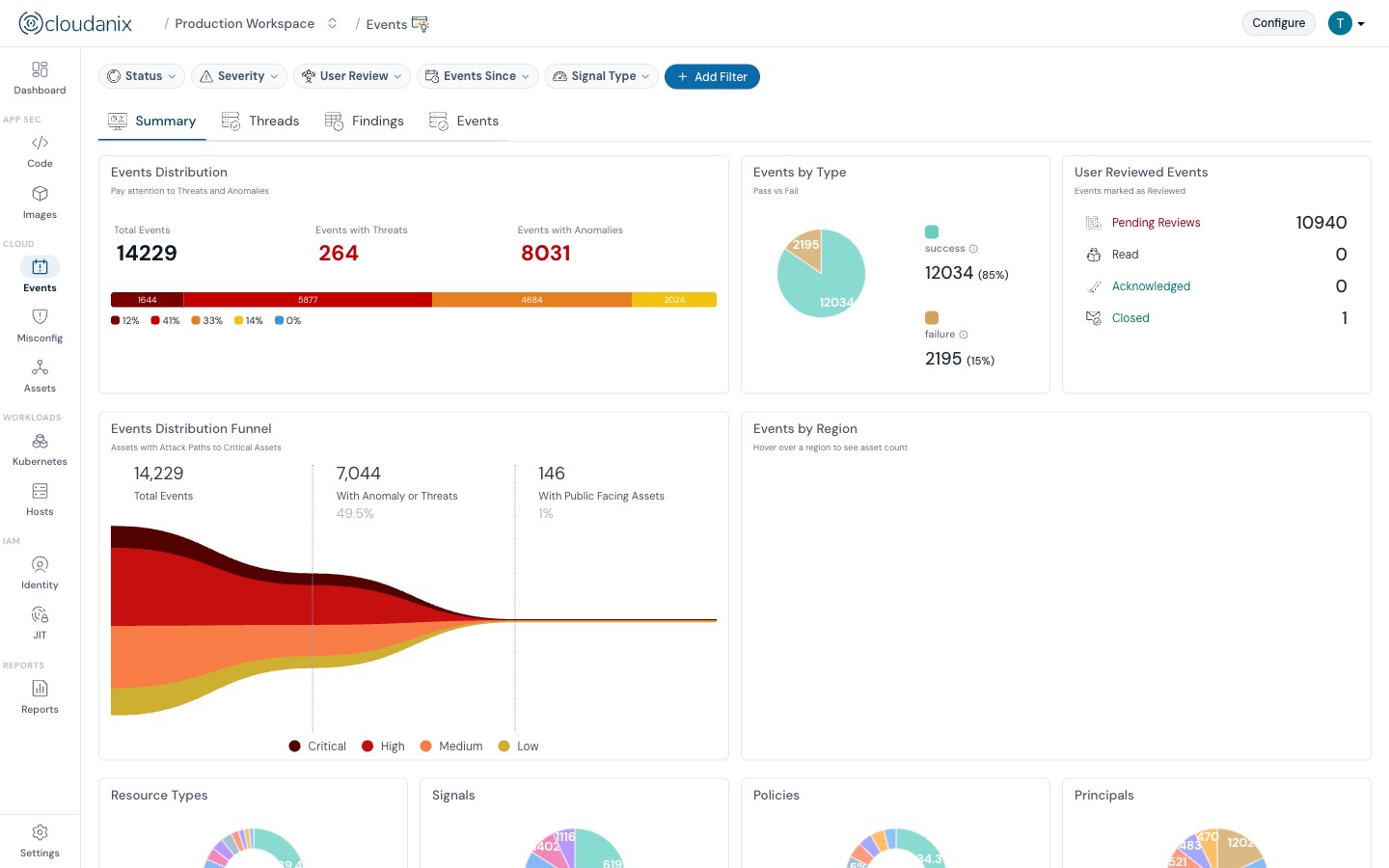
These two failure modes look unrelated — one is a cost problem, one is a coverage problem — but they share a root cause. Both are consequences of how a tool ingests and models cloud events. Cost-amplifying event plumbing and uneven multi-cloud coverage are both architectural, and both are invisible until you go looking. That is the point: they do not announce themselves. The dashboard stays green while the bill climbs or the coverage thins.
For senior teams, the practical takeaway is to evaluate cloud security tools on their ingestion architecture, not just their feature list. Two tools can both claim “multi-cloud CSPM with real-time alerting,” and one can quietly cost you thousands a month while under-watching half your estate.
What to Take Away
- A security tool’s event-ingestion design can inflate your cloud bill in ways that never appear on the security invoice. Trace cost to tooling early.
- “Supports Azure/GCP” is not the same as “at parity with AWS.” Uneven coverage creates blind spots on exactly the clouds you assume are covered.
- Both problems are architectural. Evaluate how a tool reads and models events, on every cloud you run, before it touches production.
- Prefer agentless, log-based ingestion and genuine per-cloud modeling — the combination that keeps cost predictable and coverage even.
If you want to see what agentless, parity-focused multi-cloud posture and detection looks like on your own accounts, book a free assessment — findings without a plumbing project, and without a surprise on next month’s cloud bill.













