
Customer Snapshot
| Attribute | Details |
|---|---|
| Industry | Technology / AI SaaS |
| Cloud Environment | AWS Organizations (4 accounts: 1 Dev & Management, 3 Production) |
| Cloud Spend | ~$500K USD/month |
| Team Size | ~150 users (Engineering ~100, DevOps ~10, Customer Success ~20) |
| Identity Provider | Google Workspace → AWS IAM Identity Center |
| Permission Sets | Pre-defined: SecurityAudit, Developers_Editor, custom roles |
| Access Model | Group-based assignment, JIT elevation per account/role |
| SSO Portal | Engineers use existing AWS SSO start page (no new tool) |
| Pilot Scope | 4 weeks, 18 users initially, broader rollout post-validation |
| Cloudanix Scope | Cloud Console JIT across all 4 accounts |
The Situation: An AWS Organization Ready for Zero Standing Privilege
This AI SaaS company had its AWS infrastructure organized properly: 4 accounts separated by function (1 Development & Management account, 3 Production accounts), IAM Identity Center configured with permission sets, and Google Workspace as the identity provider. The architectural foundation was solid.
What wasn’t solid was the governance of who could access what, when, and for how long.
The DevOps team had set up AWS IAM Identity Center with permission sets — SecurityAudit for read-only security review, Developers_Editor for standard engineering work, and custom roles for specific operational needs. Groups in Identity Center mapped to teams. The structure existed.
But the assignments were permanent. Once an engineer was assigned a permission set on an account, that assignment persisted indefinitely. There was no concept of “you have this access for the next 2 hours to fix this bug” — you either had it always or not at all. And since engineers regularly needed access across accounts, the practical result was broad standing access for everyone in the engineering group.
With ~$500K/month in AWS spend across accounts handling production AI workloads, the blast radius of any compromised credential was significant. The team wanted to move to a model of zero standing privilege, where permission set assignments existed only during active use — not permanently.
The Core Challenge
A well-structured AWS Organization with proper IAM Identity Center configuration, permission sets, and groups — but no temporal governance. The infrastructure was right; the access model was static where it needed to be dynamic. Moving to JIT meant making every permission set assignment time-bound without changing the underlying SSO architecture engineers already used — a shift in the broader identity and access management model.
Where the Gaps Were
Static Permission Set Assignments on Every Account
The standard AWS IAM Identity Center model: assign Group A to Account X with Permission Set Y. Once assigned, every user in Group A can assume Permission Set Y on Account X at any time — 2 AM Sunday, during a holiday, indefinitely.
For this company:
- Engineering group assigned to Development account with Developers_Editor: always available.
- Engineering group assigned to Production accounts with specific roles: always available.
- DevOps group assigned to all accounts with elevated roles: always available.
The “always available” part is the problem. At any given moment, most engineers aren’t actively working in production. But they could be — because the assignment persists. If a credential is compromised, the attacker gets the same “always available” access the engineer has.
Mixed IAM Models: Identity Center + IAM Users
The DevOps team used IAM Identity Center (the modern SSO approach). But other teams — Engineering, Customer Success — still used IAM Users directly in AWS accounts. Moving everyone to IAM Identity Center was a long-term goal, not a short-term project.
This meant:
- The JIT solution needed to work with IAM Identity Center assignments (the primary target).
- The migration to SSO for all users would happen gradually over time.
- The JIT model needed to support the organization at its current state (partial SSO adoption) while being ready for full SSO adoption later.
No Temporal Controls on Existing Permission Sets
AWS IAM Identity Center doesn’t natively support time-bound permission set assignments. You can assign and unassign — but there’s no built-in “assign for 2 hours then remove automatically.” The temporal dimension has to come from an external system that manages the assignment lifecycle.
Without temporal controls:
- Assignments accumulate over time.
- Engineers who needed production access for a one-time incident retain that access permanently.
- Offboarding is the only event that consistently triggers access removal.
- There’s no distinction between “active use” and “latent access.”
The Cloudanix Solution: JIT on Top of Existing IAM Identity Center
Cloudanix Cloud Console JIT operates as a temporal governance layer on top of the existing AWS IAM Identity Center infrastructure. It doesn’t replace Identity Center, the permission sets, or the group structure. It governs when assignments exist.
How It Maps to This Environment
Groups remain the policy boundary:
- Engineering group → can request SecurityAudit and Developers_Editor on Development account (auto-approve).
- Engineering group → can request Developers_Editor on Production accounts (requires approval).
- DevOps group → can request elevated custom roles on all accounts (approval varies by role sensitivity).
Permission sets remain the access boundary:
- SecurityAudit: read-only security review access.
- Developers_Editor: standard engineering operational access.
- Custom operational roles: defined by the DevOps team for specific administrative tasks.
Cloudanix adds the temporal boundary:
- Engineer requests SecurityAudit on Production Account 1 for 2 hours.
- Request auto-approves per policy (read-only on any account is low-risk).
- Cloudanix assigns the permission set to the user in IAM Identity Center.
- Engineer refreshes their SSO start page and sees the new role appear.
- After 2 hours: Cloudanix removes the assignment. The role disappears from the SSO page.
The engineer’s experience is unchanged — same SSO portal, same bookmark, same CLI. The only difference: roles appear when requested and disappear when the window expires.
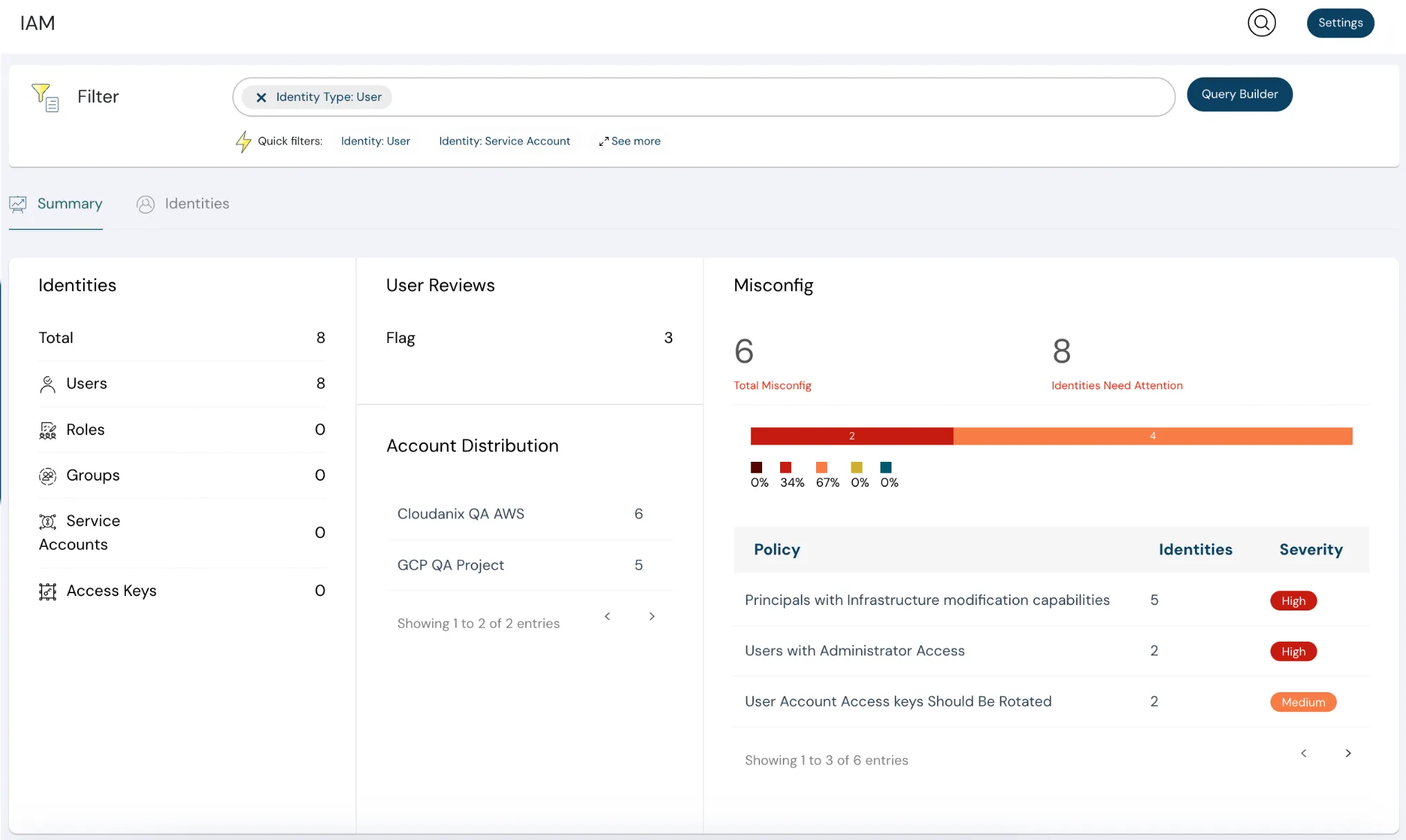
Permission Set Assignment: Users, Not Groups
A key architectural decision: Cloudanix assigns permission sets to individual users in IAM Identity Center, not to groups. This follows the principle of least privilege more precisely:
- Group-based assignment means everyone in the group gets the access. If the engineering group is assigned to a production account, all 100 engineers can access production — even though only 3 need it right now.
- User-based assignment means only the specific engineer who requested access gets the permission set on the specific account. The other 99 engineers see nothing changed in their SSO portal.
This is a cleaner model: access is granular to the individual, not broadcast to the team. The group defines what you’re allowed to request (the policy boundary). The JIT assignment defines what you actually have right now (the temporal reality).
The Pilot: 4 Weeks, Structured Validation
The company ran a structured 4-week pilot before broad rollout:
Week 1: Configuration and Initial Testing
- Onboarded all 4 AWS accounts into Cloudanix (Master + 3 Production).
- Configured JIT policies: which groups can request which permission sets on which accounts.
- Ran initial tests with the DevOps team: request, approve, verify in SSO portal, revoke, verify removal.
- Verified permissions post-elevation and post-revocation.
Week 2: Broader Testing Group
- Invited 18 engineers for testing.
- 4 engineers actively used the system in the first week.
- 1 error scenario was identified and resolved.
- No issues reported with internal documentation or the Cloudanix guide.
Week 3: Validation and Feedback
- Demo to broader DevOps team (12+ participants).
- Walkthrough of JIT Cloud flow, approval mechanics, and audit trail.
- Addressed questions about approver auto-population, Slack button behavior, and multi-approver semantics.
Week 4: Decision and Rollout Planning
- Success criteria validated: access request creation, permission granting based on timing, auditing, and Cloudanix permission scoping.
- Decision to proceed with full rollout and extend to Database JIT.
Disabling JIT for Non-Essential Roles
During pilot configuration, the team disabled JIT for all roles except the two they wanted to govern initially:
- SecurityAudit — read-only role used for security review and incident investigation.
- Developers_Editor — standard engineering role for development and operational work.
Other permission sets that existed in IAM Identity Center remained unmanaged by JIT. This allowed the team to:
- Control the rollout scope.
- Avoid disrupting workflows that weren’t ready for JIT governance.
- Gradually bring additional roles under JIT management as the team gained confidence.
Multi-Account Visibility in One Console
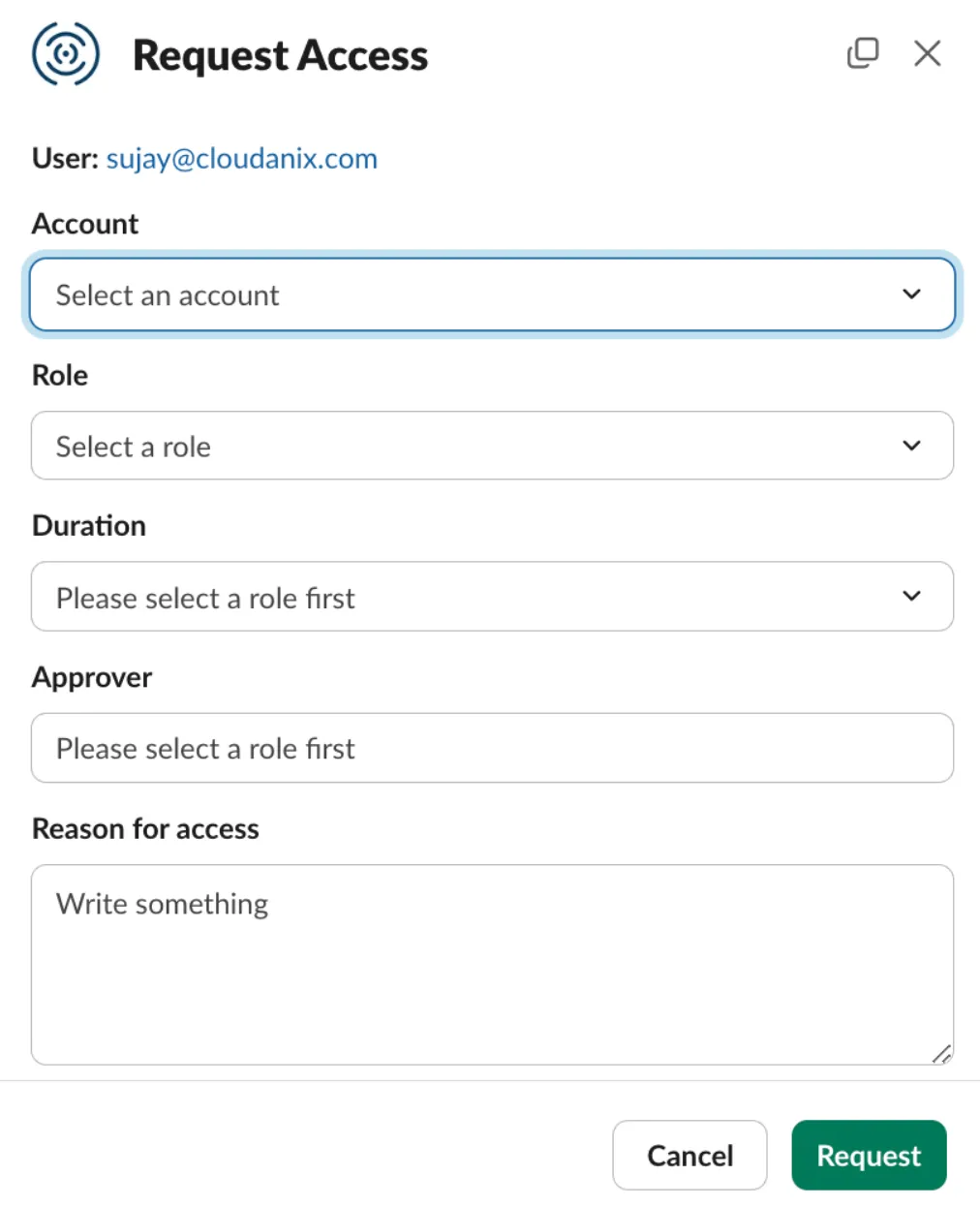
Cloudanix provides a single view across all 4 accounts:
- Who has active access — right now, across all accounts, for each permission set.
- Recent requests — approved, denied, expired, cancelled, across all accounts.
- Audit timeline — every grant and revocation, identity-stamped, per account.
- Policy configuration — group/account/role mappings from one interface.
For a DevOps team managing 4 accounts, this eliminates the need to check IAM Identity Center assignment pages per account. One dashboard shows the real-time access state across the entire organization.
Platform Impact
| Metric | Before | After |
|---|---|---|
| Standing permission set assignments | Permanent for all group members | Zero — time-bound per user |
| Blast radius of compromised credential | All roles the user’s group has assigned | Only active JIT sessions (if any) |
| Access visibility | Check IAM IDC per account | Single dashboard, all accounts |
| Time to access (SecurityAudit) | Always available (standing) | Instant (auto-approved JIT) |
| Time to access (Developers_Editor, prod) | Always available (standing) | Under 5 minutes (approval-gated) |
| Access after task completion | Persists indefinitely | Auto-revokes at session end |
| Audit evidence | CloudTrail + IAM IDC events | Unified timeline with request context |
| Pilot to production | N/A | 4 weeks with structured validation |
Why JIT Works Best with a Well-Structured AWS Organization
This team’s success with JIT was faster because they’d already done the structural work:
- Accounts separated by function. Development and production are distinct accounts, making policy rules clean (auto-approve for dev, approve for prod).
- Permission sets well-defined. SecurityAudit and Developers_Editor already encoded the right access boundaries — JIT just made them temporal.
- Groups mapped to teams. The group structure in IAM Identity Center already reflected organizational boundaries.
- SSO configured. Engineers already used the SSO start page, so JIT roles appearing and disappearing felt natural.
For teams that haven’t done this structural work yet, JIT is still deployable — but the policy configuration is simpler when the AWS Organization, IAM Identity Center, permission sets, and groups are already well-designed. (For the underlying access model, see what IAM JIT means.)
Running a Multi-Account AWS Organization with Standing Permission Sets?
If your AWS Organization has IAM Identity Center configured with permission sets and groups — but those assignments are permanent rather than time-bound — Cloudanix Cloud Console JIT adds the temporal dimension without changing your SSO architecture. Same portal, same permission sets, same groups — just time-bound and audited.
Book a Free Assessment to see JIT Cloud working with your AWS Organization and IAM Identity Center in under 30 minutes.
Related Resources
- Implementing JIT Access in AWS, Azure & GCP: Complete Guide
- Replacing StackStorm and Jira-Based Access Workflows with JIT
- Still Manually Granting Cloud Access? Here’s Why Your Security & Productivity Are Suffering
- Transforming Cloud Security with Short-Lived Service Credentials
- PAM for Credential Management, Password Rotation, and More in the Cloud













