
Customer Snapshot
| Attribute | Details |
|---|---|
| Industry | Workforce and services marketplace platform |
| Company Size | Roughly 300 employees; a small product/AI team alongside core engineering |
| Cloud Environment | Separate AWS account for product and AI experimentation |
| Team Makeup | A few engineers plus interns |
| Working Style | AI-assisted (“vibe”) coding, hosted LLM APIs, rapid prototypes |
| Current Access | Full admin in the experimentation account; little tooling by design |
| Emerging Needs | GPU-based video and AI processing, architecture still being decided |
| Tooling Philosophy | Build internally, avoid extra vendors, invest more as workflows mature |
| Focus Area | Keeping experimentation fast while bounding what a single credential can do |
The Situation: Speed Was the Point, and Admin Was the Default
This company runs two development streams. Core engineering follows conventional CI/CD, and a small product and AI team works separately: a few engineers and interns building dashboards, transcription features, and lightweight AI capabilities. They use AI coding assistants heavily and call hosted language-model APIs.
They work in their own AWS account, kept isolated from the main environment on purpose. If something breaks there, the damage stays there. The account runs at very modest cost, and, to keep things fast, the people in it hold full administrator access. The company’s position is that there’s no justification yet for extensive tooling or controls on an account used for exploration.
That reasoning has held up well. What is changing is the account’s contents. The team is evaluating GPU-based workloads for a new visual and video processing effort, with video collected from phone cameras and processed by AI models. GPU instances are among the most expensive resources in AWS. And the people, and increasingly the AI coding agents, working in that account all hold the keys to launch them.
The Core Tension
The team has a defensible philosophy: don’t impose heavy controls on an experimental environment, and don’t add vendors until the workflow has proven itself. But two things shift the equation even for a sandbox.
The first is cost. Full admin plus GPU capacity means a single mistake, a leaked key, or an over-eager automated agent can run up a substantial bill very quickly. Cost exposure is a real risk even when no sensitive data is involved.
The second is who is acting. Interns are, by nature, short-tenure and learning. AI coding agents act on whatever credentials they inherit, at machine speed, and can be steered by content they read. Handing either of them standing administrator credentials means a long-lived, high-power secret sits in a developer’s shell, an environment file, or an agent’s configuration. That is exactly the kind of credential that ends up in a repository, a screenshot, or a log.
Where the Gaps Were
Standing Admin for Everyone in the Account
Everybody with access to the account has the same permanent, unrestricted rights. There is no difference between an experienced engineer, a new intern, and an AI agent working on their behalf, and no time limit on any of it.
Long-Lived Credentials on Developer Machines
To work quickly, engineers keep access keys or cached sessions locally. Anything stored there outlives the task it was created for. When someone leaves, or a laptop is lost, the question is what the credential can still do and whether anyone knows it exists.
AI Coding Agents Inherit Whatever They Find
Agents running in an engineer’s terminal or IDE use the cloud credentials in that environment. With admin keys in scope, an agent can create, modify, or delete anything in the account if it is instructed to, mistaken, or manipulated through a prompt-injection attack in a file or web page it reads.
Cost and Blast Radius Were Invisible Until the Invoice
Nothing connected “who or what can launch expensive resources” to “what the account is allowed to spend.” The signal arrived with the monthly bill.
No Appetite for a Heavy Control Plane
Any answer had to be light: no agents on every machine, no new gateway for developers to route through, and no process that slows an intern who needs to try something.
How Cloudanix Addresses This Situation
Move From Standing Keys to Short-Lived, Scoped Credentials
Cloudanix replaces the idea of “an admin key someone holds” with access that exists only while it is needed. For people, Cloud JIT assigns a permission set for a limited window through the existing sign-in flow. For automated and agent workloads, Agentic JIT lets a workload obtain scoped credentials for seconds at the moment of an action, then lets them expire. In both cases, nothing long-lived is left behind to leak.
Coding Agent JIT for Claude Code, Cursor, and Kiro
Cloudanix Coding Agent JIT is an MCP server that sits between the AI coding agent and the cloud. When the agent needs a credential, it asks for one scoped to the specific task. The credential is minted for a short time, limited to the actions the task requires, and destroyed afterwards. A human stays in the loop for sensitive grants: the engineer, or an approver, confirms what is being requested before it is issued. The developer keeps working in the same editor, with the same agent.
For this team, the practical effect is that “let the agent deploy this to the sandbox” no longer means “give the agent permanent admin.” It means “give the agent permission to do this one thing, now.”
Tier Permissions by Who and What Is Asking
A simple policy works for a small team:
| Identity | Default access | Elevated access |
|---|---|---|
| Intern | Read-only, plus a narrow set of services for the project | Request time-boxed rights; peer approves |
| Engineer | Developer permission set | Request admin for a limited window |
| AI coding agent | None standing | Scoped, short-lived, per-task credentials with human confirmation for high-impact actions |
| GPU / expensive resource creation | Not part of default roles | Requested explicitly for a window and a purpose |
Making expensive-resource creation a deliberate request turns a cost risk into a visible decision.
Keep the Light Footprint
Nothing in this model requires a gateway for developers to route through or an agent installed on every laptop. Access is brokered at the identity layer and through the agent’s own tool interface. Engineers continue to use their normal tools.
Spot Risky Permissions Before They’re Used
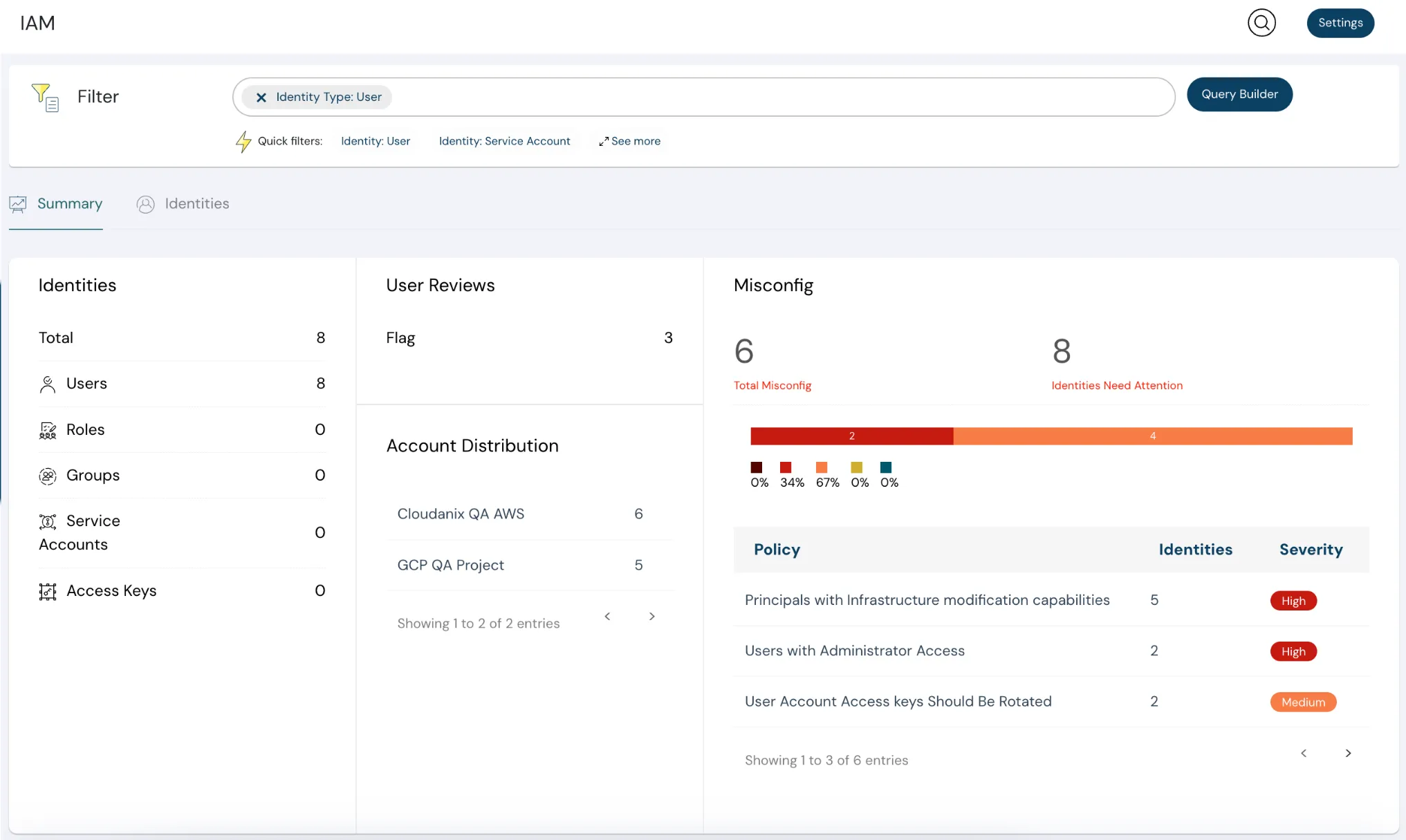
Cloudanix’s posture and identity visibility highlights over-privileged identities and risky permissions in an onboarded account. For a team deciding whether and when to bring the sandbox under governance, that provides evidence, not guesswork. It shows how many identities hold admin, which keys are old or unused, and what could be done with each.
A Rollout That Respects the Team’s Philosophy
- Onboard the experimentation account read-only first. See the identities, keys, and permissions that exist today. No change to how anyone works.
- Remove unused keys and retire the obvious leftovers. This is the cheapest risk reduction available.
- Introduce time-boxed admin for engineers. Standing admin becomes “request when needed,” with a short approval path.
- Give interns a narrower default. Read-only plus project-specific rights, with elevation on request.
- Put coding agents behind Coding Agent JIT. Start with one tool and one team.
- Add a GPU gate before the GPU work begins. Make launching expensive instance types a requested, time-boxed permission from day one.
What to Know Before You Start
- This approach governs credentials and permissions, not model behavior. An agent can still make a mistake within the permissions it was granted for a task. The value is that the permission is narrow and brief.
- Cloudanix does not set AWS spend limits. Pair it with AWS Budgets and anomaly detection so that cost alerts back up the permission gate.
- If the sandbox truly holds nothing of value and you accept the risk, it can remain outside governance. The case for acting arrives with GPU spend, shared credentials, and agents acting autonomously.
- Human-in-the-loop approvals add a step. Tune which actions require confirmation so routine work stays quick.
Platform Impact
| Dimension | Before | After |
|---|---|---|
| Admin rights in the sandbox | Standing for everyone | Requested per task and time-boxed |
| Credentials stored on laptops | Long-lived keys | Short-lived, scoped credentials |
| AI coding agent access | Inherited admin | Per-task, short-lived, human-confirmed for high impact |
| Intern permissions | Same as senior engineers | Narrow default, elevation on request |
| Expensive resource creation | Anyone with admin | An explicit, time-boxed request |
| Visibility into who can do what | None | Identity and permission view across the account |
Key Outcomes
- ✅ Speed Preserved: Engineers and interns keep their tools and pace.
- ✅ Bounded Blast Radius: A leaked key or misdirected agent can do far less, for far less time.
- ✅ Agent-Ready Access: Coding assistants get task-scoped credentials, not permanent keys.
- ✅ Cost Risk Made Visible: Expensive-resource permissions become deliberate.
- ✅ Light Footprint: No gateway, no per-laptop agent.
- ✅ Grows With the Workflow: Tighten controls as the work matures.
Are Your AI Experiments Running on Standing Admin?
If interns and AI coding agents hold permanent admin keys in your experimentation account, one mistake can become an incident or an invoice. Cloudanix gives them short-lived, scoped access, so the team keeps its speed and you keep control.
Book a Free Assessment to see Coding Agent JIT in a live environment in under 30 minutes.