Code Onboarding: GitHub, GitLab, Bitbucket & Azure DevOps
Onboarding a New Source Code Provider
Cloudanix supports four source-code management providers:
- GitHub
- Bitbucket
- GitLab
- Azure DevOps
Getting started:
From your dashboard, click Connect New in the top-right corner to launch the onboarding wizard.
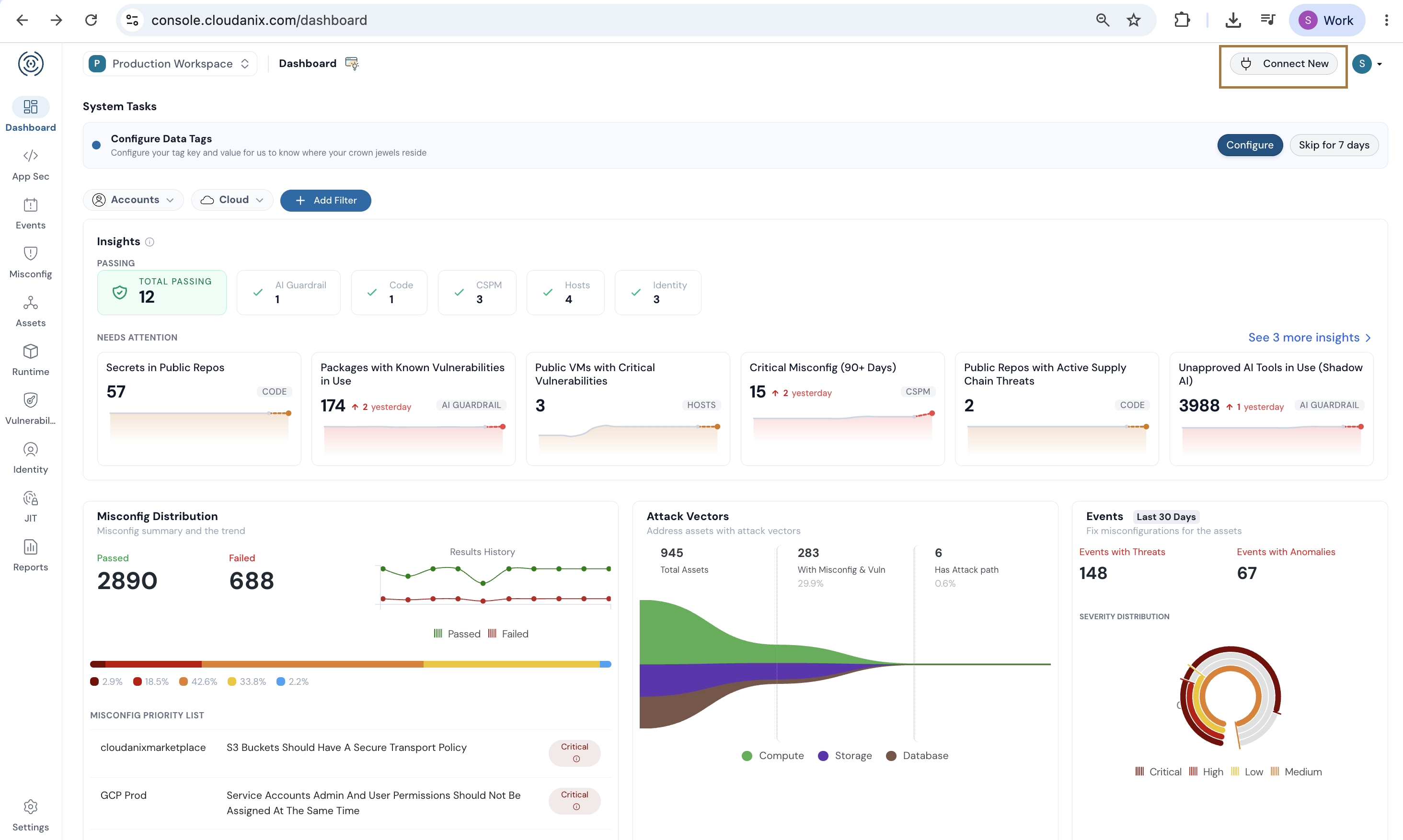
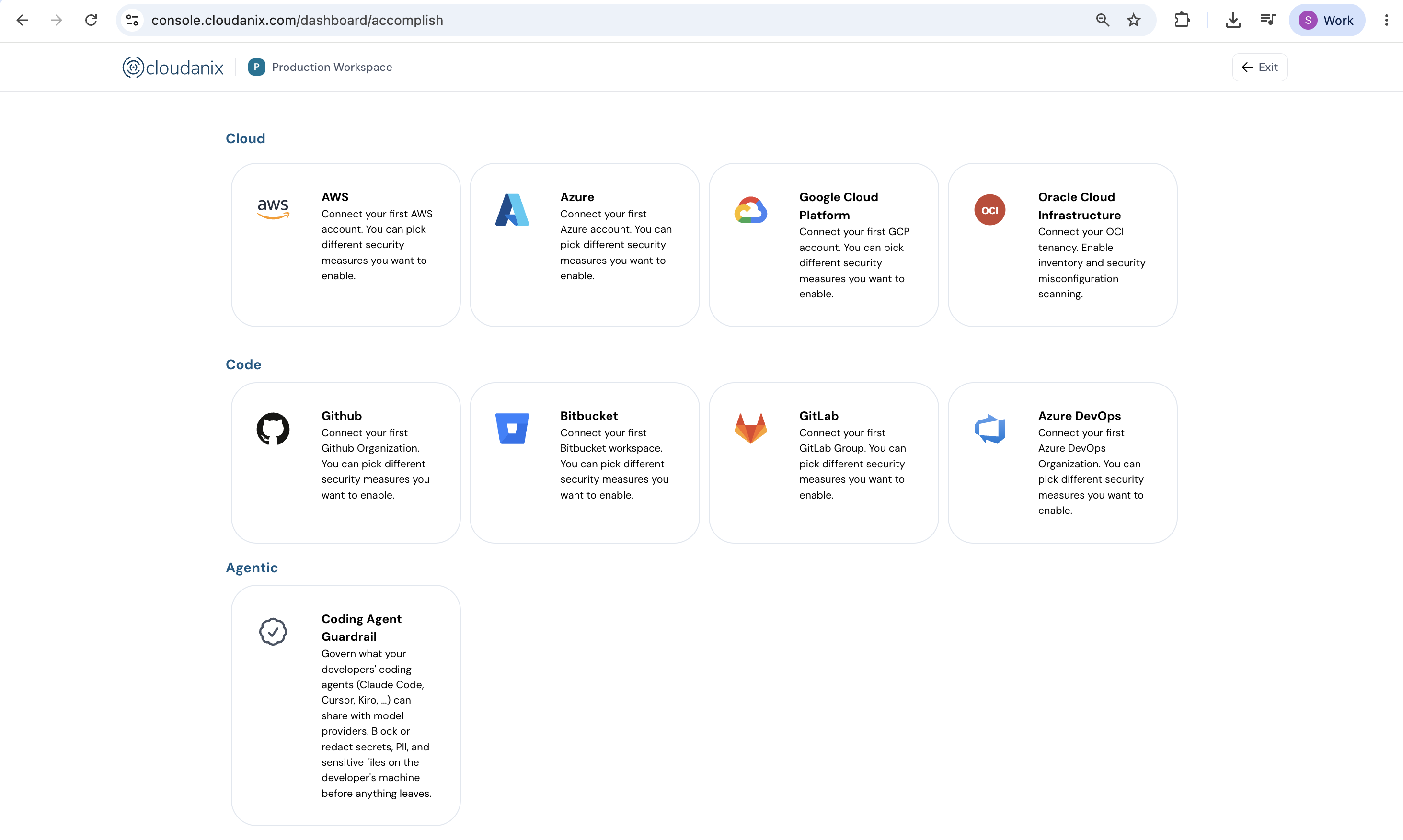
Select the provider you want to connect:
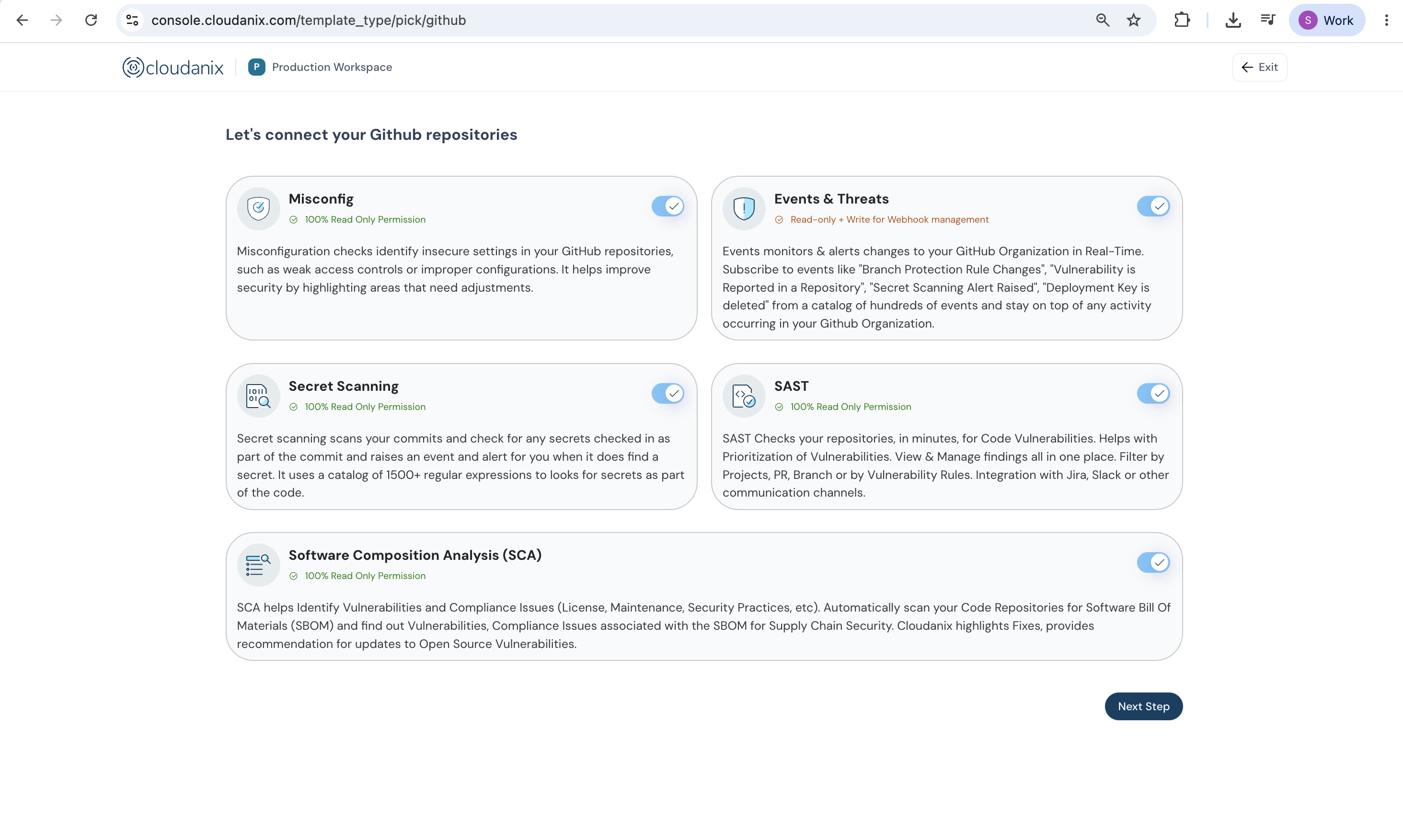
Capabilities you can enable:
During onboarding you select which capabilities to turn on.
- Events & Threats — Real-time monitoring of activity and configuration changes across your organization (all providers).
- Misconfiguration Analysis — Flags insecure repository settings such as weak access controls (GitHub only).
- Secret Scanning — Detects accidentally committed secrets (all providers).
- SAST — Static analysis of your source code for vulnerabilities (all providers).
- Software Composition Analysis (SCA) — Dependency and supply-chain risk analysis (all providers).
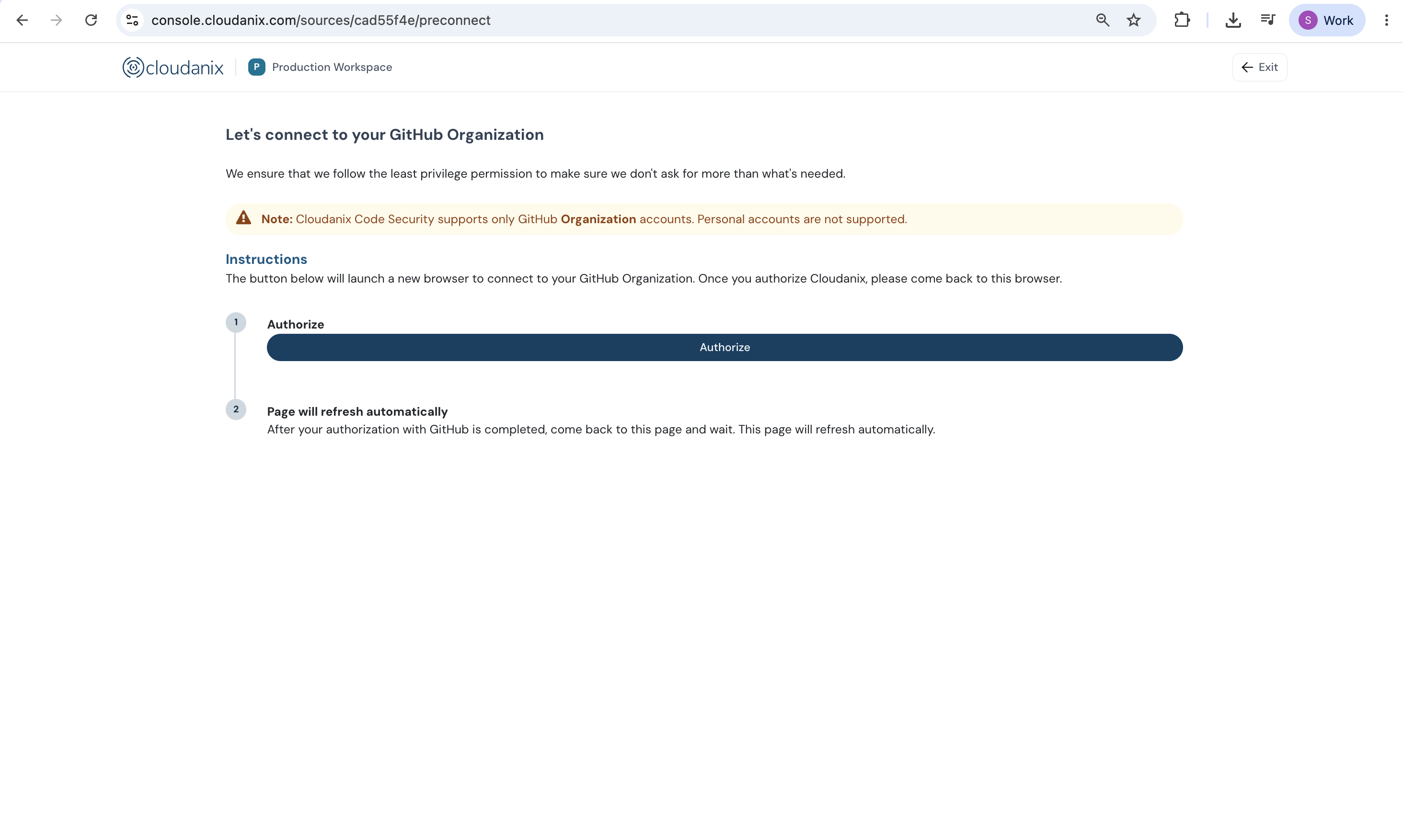
Authorization:
Each provider is connected using its own native, secure authorization model:
- GitHub — you install the Cloudanix GitHub App, which operates with scoped, read-only access (shown as
cloudanix[bot]). - GitLab — OAuth / OpenID Connect.
- Bitbucket — OAuth.
- Azure DevOps — OAuth via Microsoft Entra, with a dedicated service principal added to your organization.
The flow is consistent across all four.
What happens after you connect:
Once authorized, Cloudanix begins pulling your organization's inventory — repositories, users, and configurations — and populating the platform.
After the initial inventory completes, a baseline Full Scan of your selected repositories is kicked off automatically. This establishes the initial set of findings across those repositories, giving you a complete security baseline to work from.